
Connect as a signal provider
Step 1: Connect the trading account as a Signal Provider.
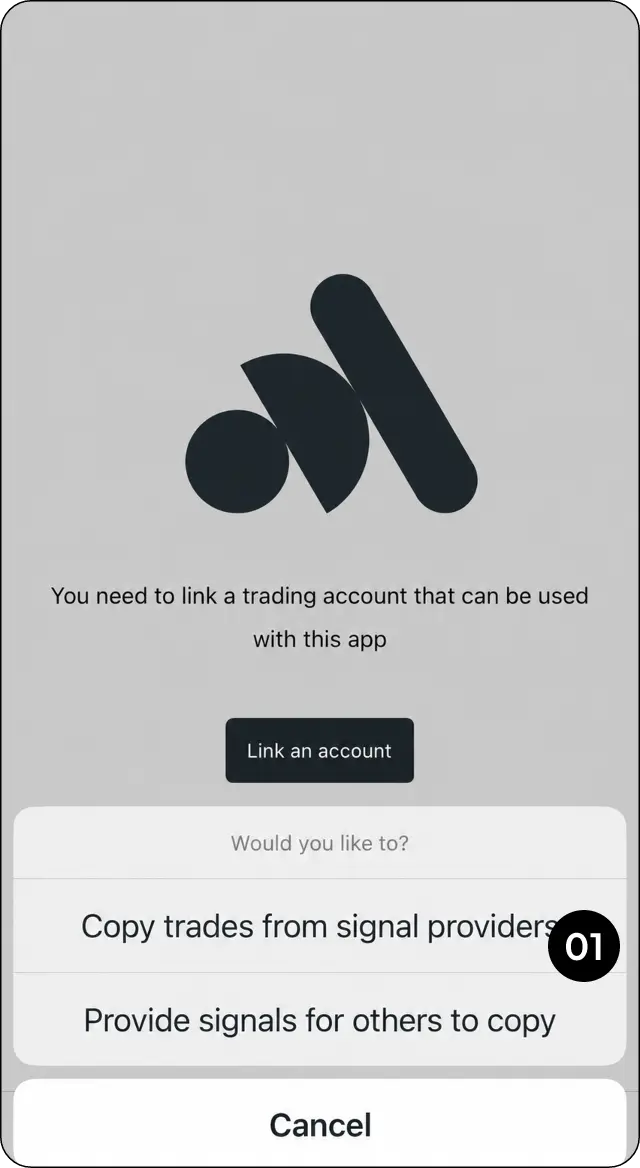
Submit the risk assessment
Step 2: Complete and submit the Risk Assessment.
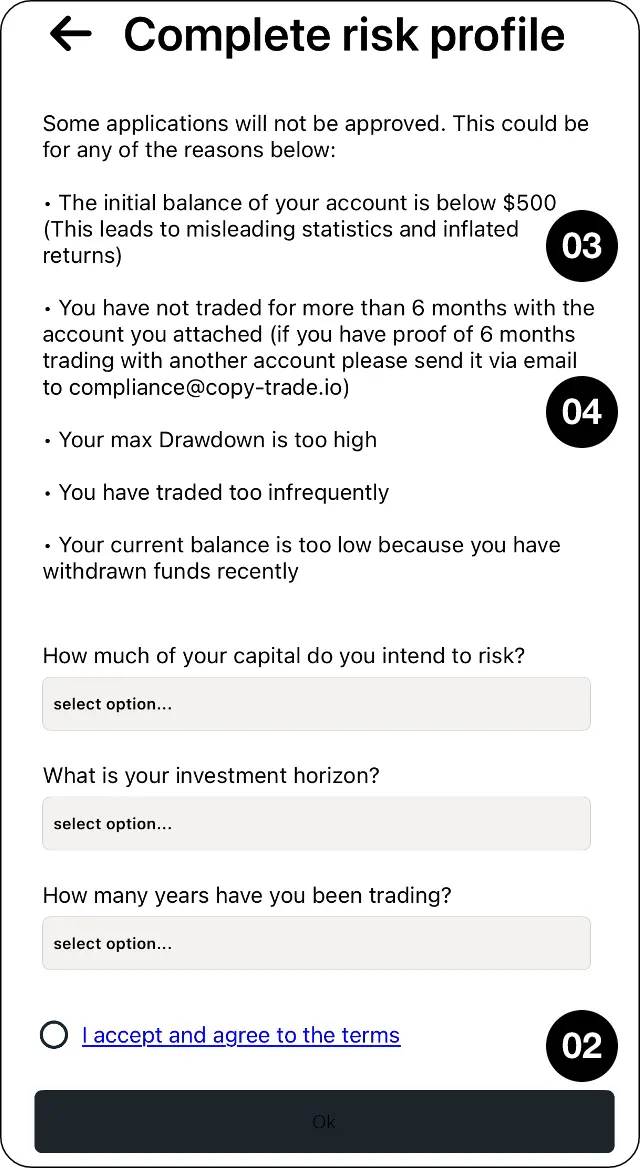
Check balance and trading-history requirements
Step 3: Make sure the account meets the minimum balance and trading-history requirements shown in CopyMate.
Request help with additional trading history
Step 4: If the connected account does not have enough history, contact MarketMates Support about providing a longer trading statement.
Set your performance fee after approval
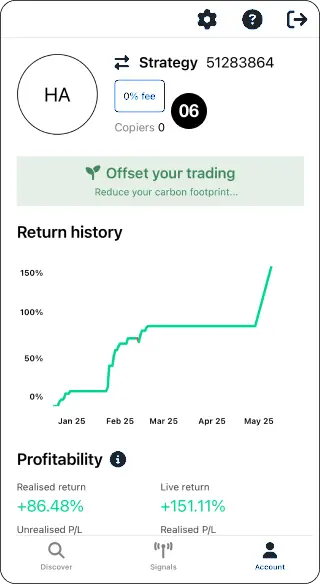
Step 5: Once approved, select the displayed percentage to set the performance fee.
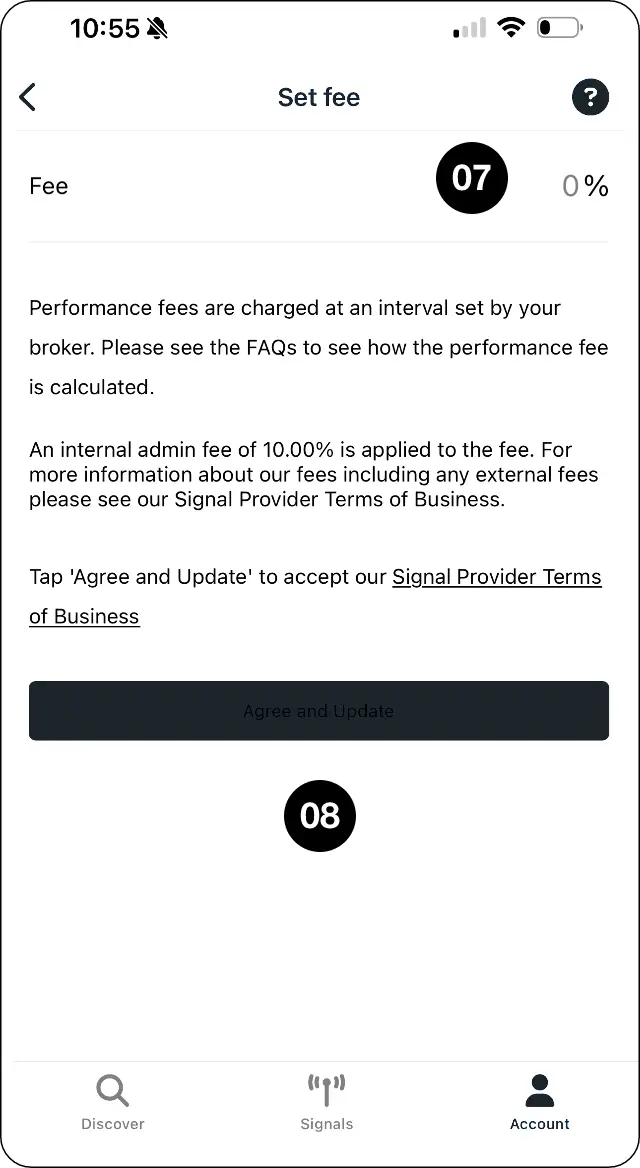
Accept the terms and update
Step 6: Review the terms and select Agree and update.
Expected outcome
Submit your strategy for approval and configure its performance fee.
Applying without sufficient trading history
If you do not have sufficient trading history to qualify as a Signal Provider, you may apply for approval with a private profile.
Open your CopyMate profile settings.
Enable “Hide my profile” and tap “OK” to save.
Submit a support ticket through the MarketMates client portal, attaching a screenshot clearly showing your Signal name, Search handle, and “Hide my profile” enabled.
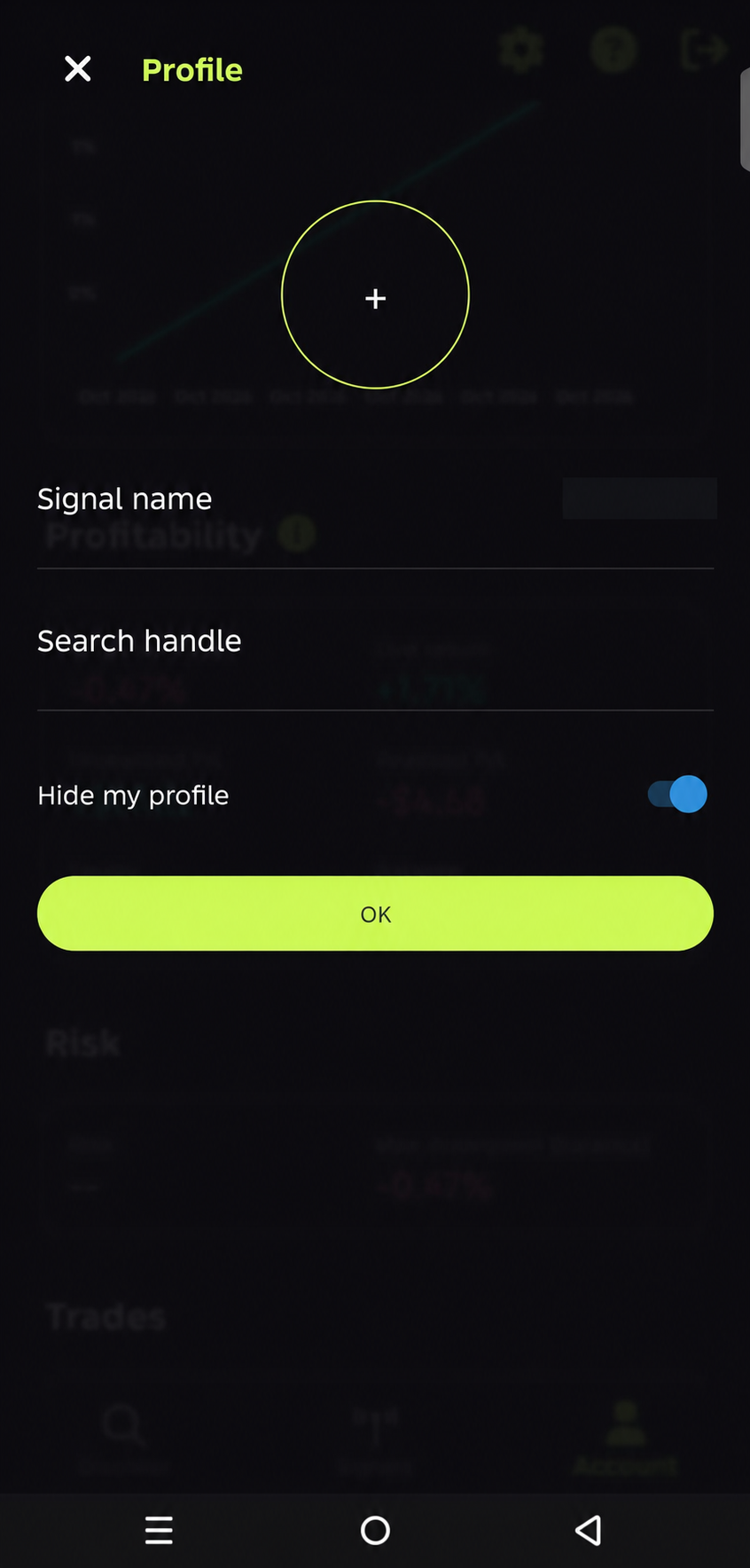
Our team will review your application and approve it where appropriate.
Once approved, your clients can find and follow you by searching for your registered Search handle. Your profile will remain hidden from the Discover section.